Game Dev Project Hub
A downloadable tool for Windows
All your game-dev projects. One hub.
Game Dev Project Hub is a lightweight Windows desktop application for organising, finding and launching game-development projects from one place.
I built this as a learning project while developing my Python skills, with a particular focus on creating tools that could be useful for game development and Technical Art workflows.
Instead of searching through folders every time you want to find a project, Game Dev Project Hub lets you keep projects from different engines and applications together in one simple library.
Features
- Support for Unreal Engine, Unity, Godot, Blender and Python
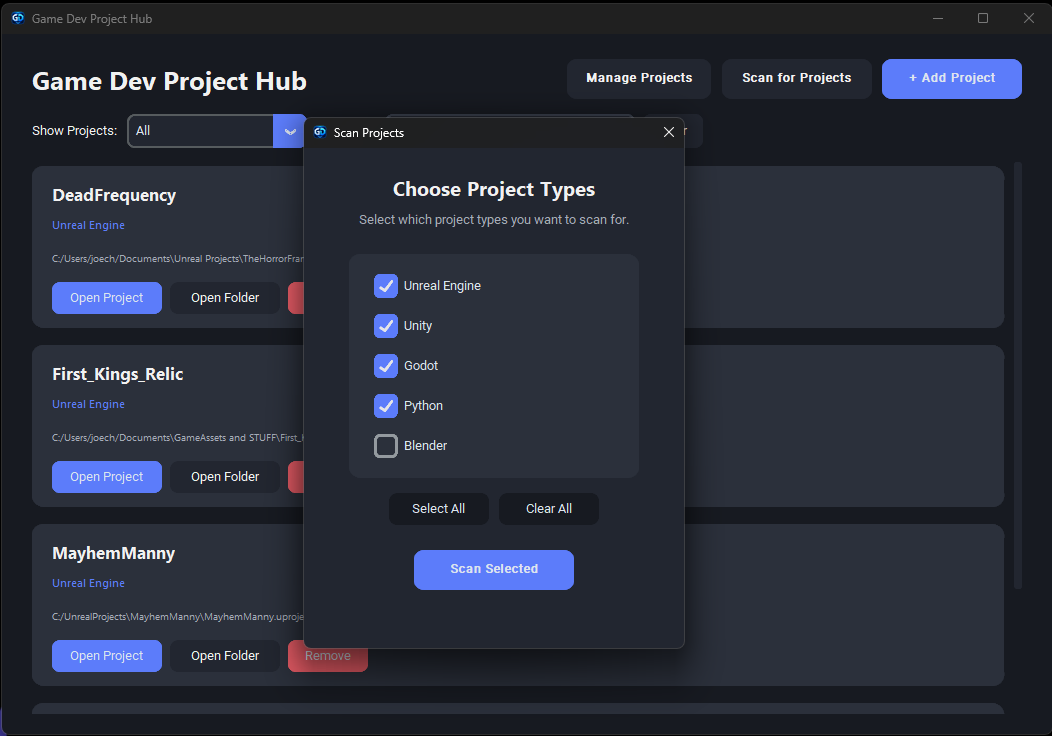
- Automatically scan folders for game-development projects
- Choose which project types to search for
- Live scanning progress window
- Review detected projects before adding them
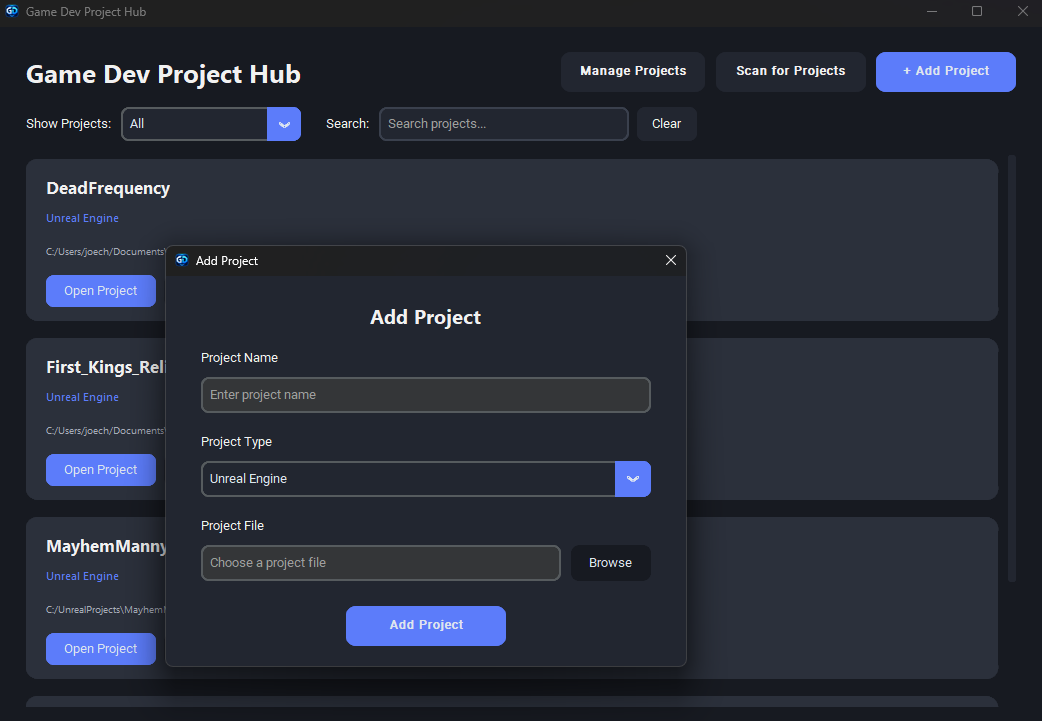
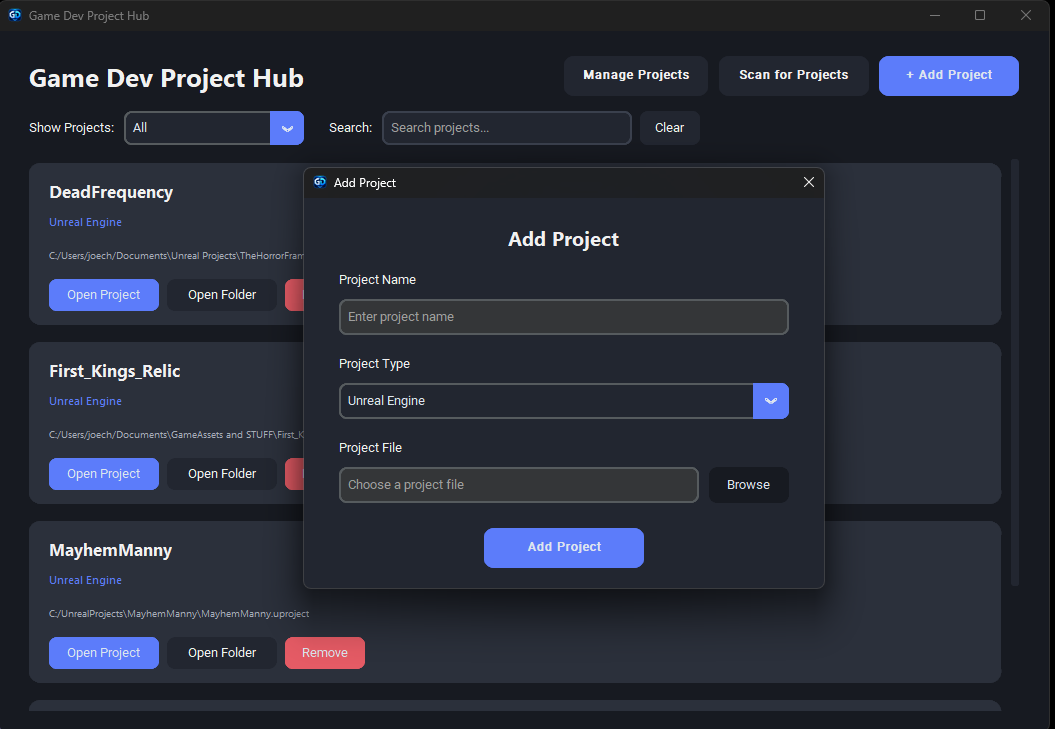
- Add projects manually
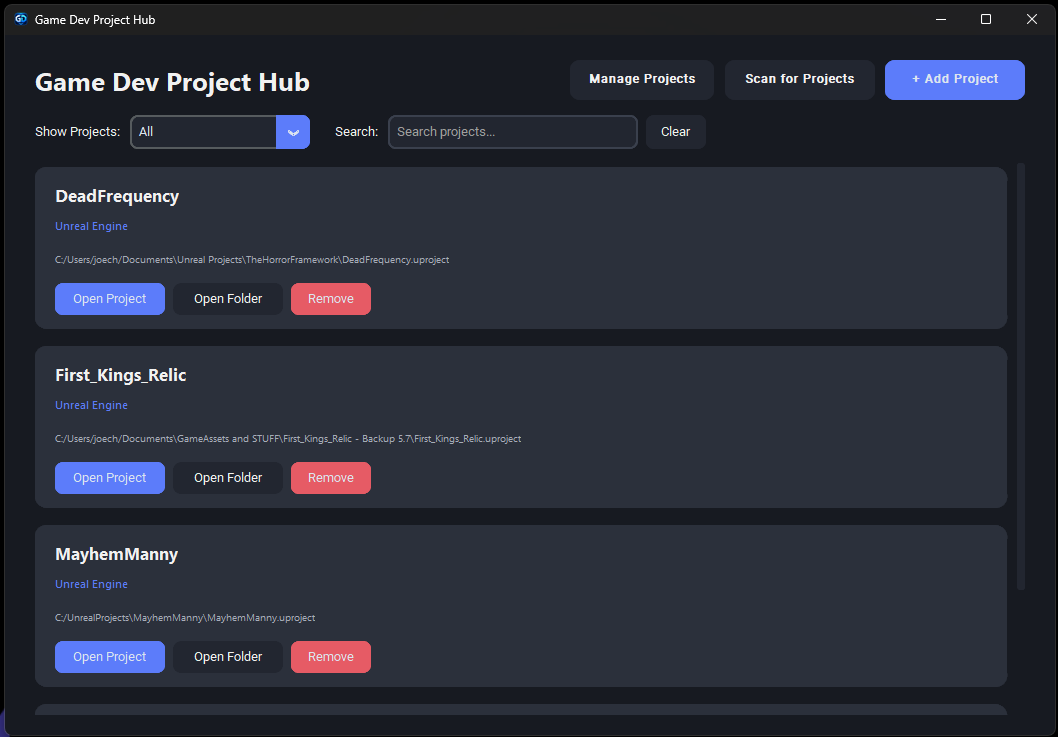
- Search your project library
- Filter projects by type
- Launch projects directly from the app
- Open project folders quickly
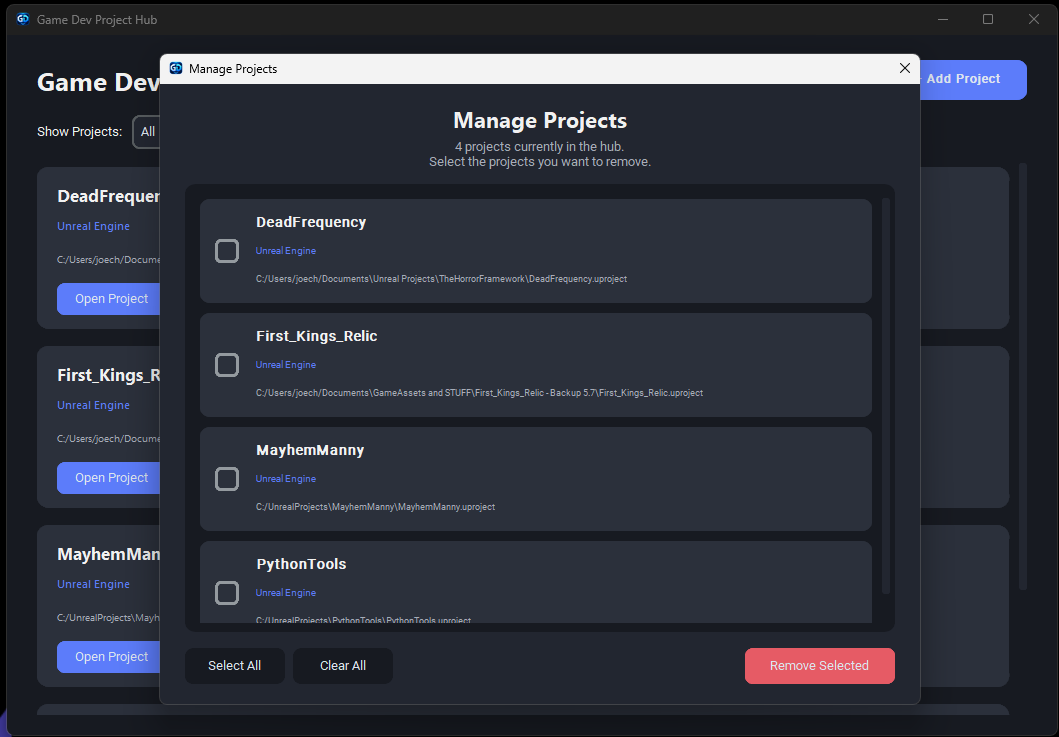
- Manage and remove multiple projects at once
- Project data is saved locally between sessions
- Simple modern dark interface
Project Scanning
The scanner can search through a folder and detect supported project types automatically.
After scanning, Game Dev Project Hub shows everything it has found and lets you choose exactly which projects you want to add to your library.
This helps avoid accidentally adding templates, samples or other projects you don't want when scanning larger folders or drives.
Current Version
Version 0.1.0
This is the first public version of Game Dev Project Hub and is still an early project.
I'm continuing to learn Python and develop the application, so feedback, suggestions and ideas for future features are very welcome.
Platform
Windows
Built with Python and CustomTkinter.
Download
Click download now to get access to the following files:
Leave a comment
Log in with itch.io to leave a comment.